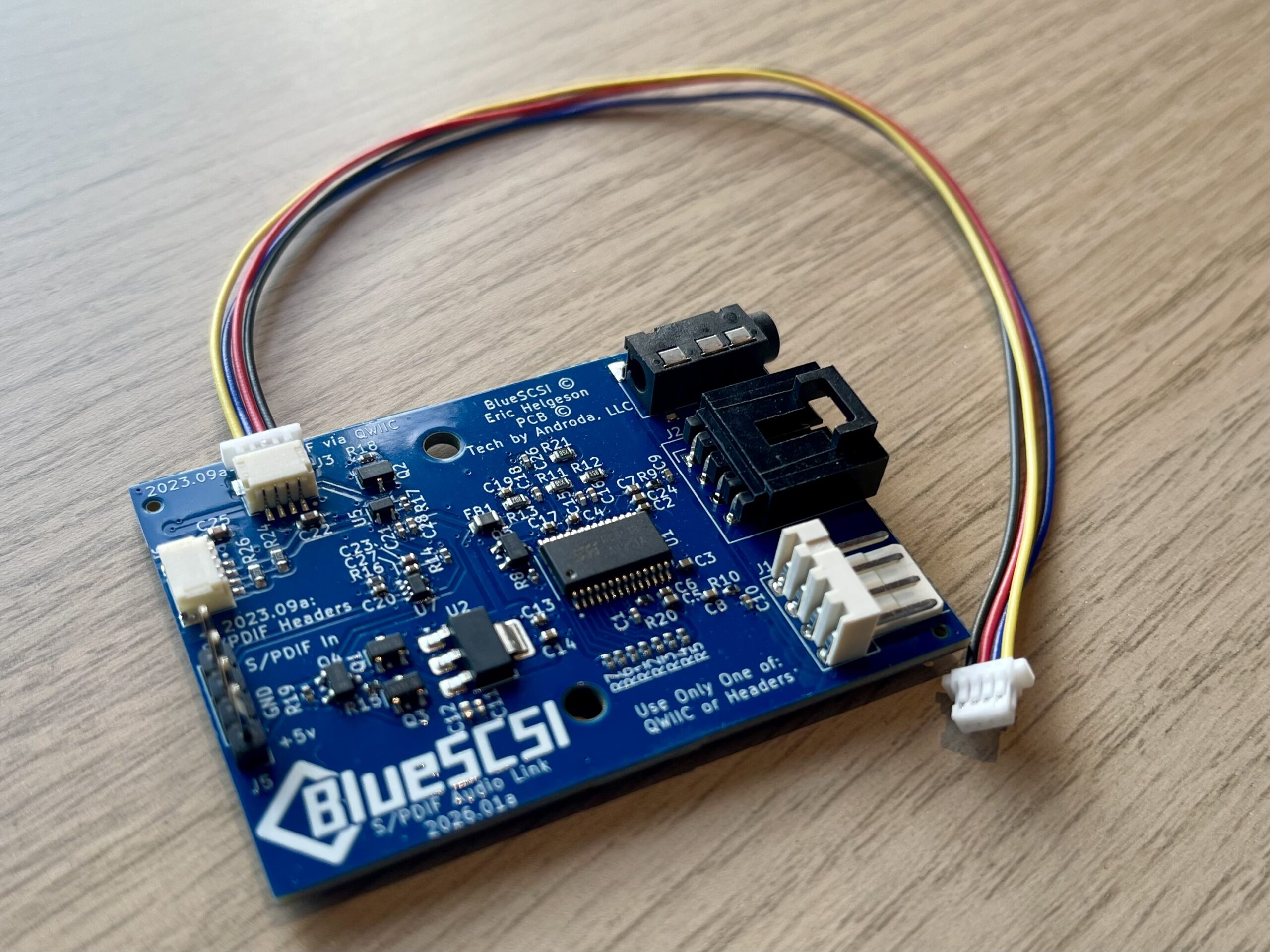

Description
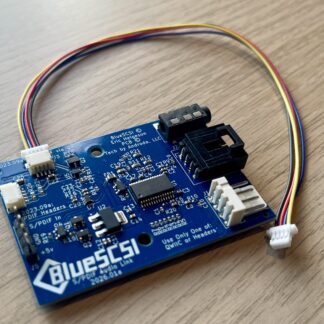
The BlueSCSI v2 Desktop S/PDIF Audio Link interfaces with BlueSCSI v2 Desktop using the QWIIC connector to allow output for CD audio emulation.
The following connectors are available:
- 3.5mm headphone jack (output)
- Vintage Apple CD-ROM connector (input)
- Standard PC CD/DVD audio header (input)
Notes:
- This interface is not for the BlueSCSI Ultra – Narrow 50 Pin or the BlueSCSI Ultra – Wide 68 Pin. Audio functionality for BlueSCSI Ultra is provided by the BlueSCSI Ultra Audio Board.
- You will need a QWIIC cable to connect the BlueSCSI v2 Desktop S/PDIF Audio Link to the BlueSCSI v2 Desktop.
- To be recognized, the BlueSCSI v2 Desktop S/PDIF Audio Link requires the BlueSCSI v2 Desktop to be flashed with a specific version of the firmware. On the BlueSCSI firmware page, look for the version of the “BlueSCSI_Pico_Audio_SPDIF” firmware that matches your Pico version (Pico 1 or 2).